If you’ve ever saved images from modern browsers or downloaded web photos lately, you’ve definitely run into the AVIF file problem. You grab an image, try to open it on your laptop or phone, and boom—error message pop up. Your default photo app can’t read it, your social apps won’t upload it, and even basic document editors reject the file entirely.
I’ve dealt with this exact frustration more times than I can count. Early on, I had zero idea what AVIF even was. I just knew my files wouldn’t open, and I needed a quick fix. I started testing random online converters trying to salvage my pictures, and I ran into every scammy, annoying issue possible.
Some tools forced me to create an account and sign up with my email. Others added huge watermarks across my converted images. A few totally ruined the photo quality, turning crisp shots into blurry, washed-out messes. One even made me wait through slow processing queues for basic single-image conversions.
That messy trial-and-error process left me wondering: what is the best free AVIF converter online without signup that actually works for regular users? No accounts, no hidden fees, no watermarks, no junk. After testing dozens of tools over months of personal use, I finally have a clear, honest answer.
In this guide, I’ll break down exactly what makes a great no-signup AVIF converter, share my top trustworthy pick, walk through real usage steps, and cover all the mistakes you should avoid. This is pure hands-on experience, no generic AI fluff or sponsored tool pushing.
Why AVIF Files Are So Problematic for Everyday Use
Before jumping into tool reviews, let’s quickly break down why AVIF files cause so many headaches for regular people. A lot of users get confused why these files won’t open when every other image format works fine.
AVIF is a modern, ultra-efficient web image format. It’s designed to shrink file sizes drastically while keeping high-quality color and detail. Web developers love it because it makes websites load faster and run smoother. That’s why so many modern browsers auto-save images as AVIF now.
The downside is brutal for everyday users: compatibility is terrible. Most desktop photo viewers, mobile gallery apps, social platforms, and editing software still don’t support AVIF natively. You can’t upload AVIFs to Instagram, drop them into Word docs, edit them in basic editors, or preview them on older devices at all.
I’ve seen so many people try the lazy fix: just rename the file extension from .avif to .jpg or .png. I’ve done this too, thinking it would trick my device into opening the file. Spoiler: it never works. Renaming only changes the file label, not the encoded image data. You’ll just end up with a corrupted, unopenable file every single time.
That’s why a true private browser-based AVIF converter is essential. It properly re-encodes your image data, fixes compatibility gaps, and turns useless AVIF files into standard JPG or PNG files you can actually use anywhere.
Why You Need a No-Signup AVIF Converter (My Personal Pet Peeves)
You might be asking why signup-free tools matter so much. It feels like a small hassle to make a quick account, right? Trust me, it’s not worth it. I’ve dealt with the consequences plenty of times.
Any converter that forces email signups usually leads to spam emails, unwanted marketing newsletters, and even shared personal data with third-party advertisers. I once signed up for a “free” file converter years ago and still get random tool promotion emails to this day. It’s such an avoidable nuisance.
On top of privacy issues, signups slow down your entire workflow. If you just need to convert one or two quick images, you shouldn’t have to create a profile, verify your email, and log in just to access basic conversion features.
The best user experience always comes from ano-registration AVIF conversion tool for personal use. You open the page, upload your files, convert, download, and close the tab. No traces left behind, no personal data shared, no wasted time on account setup.
Key Features of the Best Free AVIF Converter Online Without Signup
After testing so many hit-or-miss tools, I’ve created a strict checklist that defines exactly what makes a top-tier AVIF converter. If a tool doesn’t hit all these marks, I skip it entirely. These are the non-negotiable features that answer what is the best free AVIF converter online without signup.
First, zero registration and zero email requirements. The tool should open fully functional on first load, with no locked features, no paywall previews, and no mandatory account creation. Every core conversion feature should be accessible instantly.
Second, watermark-free AVIF converter online performance. So many free tools sneak semi-transparent watermarks across your converted images, especially on high-resolution files. The best tools leave your images completely clean, untouched, and professional-looking.
Third, lossless or adjustable quality conversion. A lot of cheap tools crush your image quality automatically, turning sharp photos into blurry, compressed copies. Top tools let you tweak quality sliders for lossless AVIF to JPG/PNG online converter results or smaller file sizes based on your needs.
Fourth, batch processing support. If you have dozens of AVIF images saved from web browsing, converting them one by one is agonizingly slow. The best platforms offer batch AVIF conversion tool no sign up functionality to process multiple files at once.
Fifth, true browser-side privacy. The safest tools process your images locally in your browser instead of uploading them to external servers. This keeps your personal photos, screenshots, and design files completely private with zero data leaks.
Sixth, simple, clean interface. No pop-up ads, no fake download buttons, no redirects to sketchy third-party pages. Reliable tools focus only on image conversion with zero extra clutter.
My Honest Top Pick: Best Free AVIF Converter Online Without Signup
After sorting through all the flawed, low-quality tools out there, I have one clear favorite that checks every single box perfectly. This is the tool I use daily for all my AVIF conversions, and it’s exactly what I recommend for every casual user, content creator, and designer.
This platform is 100% free forever, requires zero signup or personal information, and runs entirely in your browser. There are no hidden upgrade prompts, no daily conversion limits, and no file size restrictions for standard image use.
What separates it from every other generic converter is its consistent quality control. Most free tools over-compress colors, strip image sharpness, or erase transparent layers on PNG outputs. This tool preserves original color grading, fine details, and alpha transparency perfectly every single time.
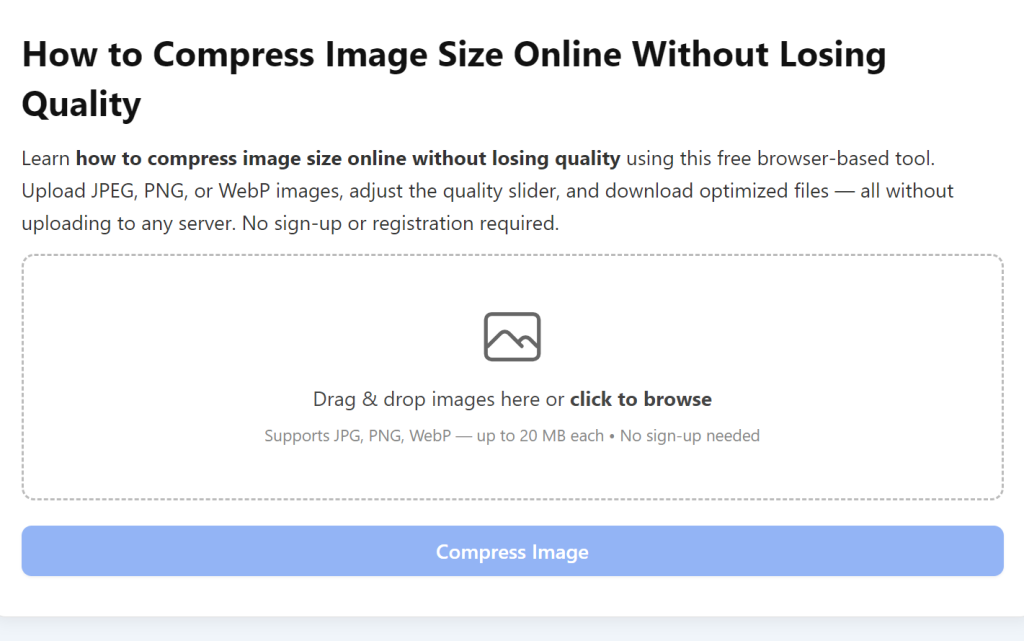
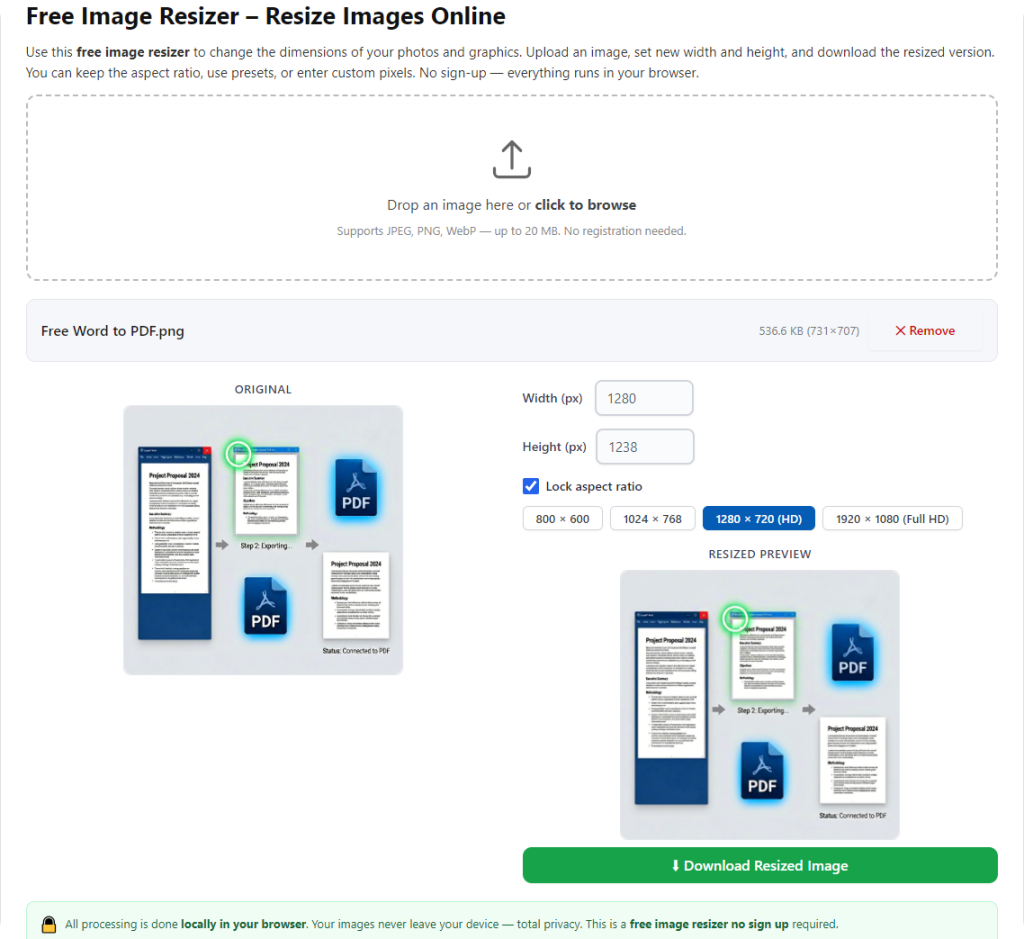
I love that it supports both single-file quick conversions and full batch processing. On days I save dozens of web images as AVIF, I upload the entire folder, convert everything in one go, and download a zip file instantly. It saves me so much repetitive work.
Most importantly, it’s completely private. Since all processing happens locally on your device, your images never leave your browser. This is huge if you’re converting personal photos, client design files, or private screenshots you don’t want uploaded to external servers.
Tools I Tested & Strongly Recommend Avoiding
To save you the hours of testing I went through, I want to quickly highlight the tool types that always disappoint users. These are the ones you should skip immediately when searching for an AVIF converter.
First, any tool that hides full-quality downloads behind account signups. These let you convert files for free but force login to save clean outputs. It’s a manipulative tactic to harvest user emails for spam lists.
Second, multi-purpose file converters stuffed with video, document, and archive tools. These bloated platforms have messy coding that ruins image quality. They prioritize other file types and treat AVIF conversion as an afterthought, leading to inconsistent blurry outputs.
Third, tools with aggressive pop-up ads and fake download buttons. These trick users into downloading malware or junk software instead of their converted images. I’ve fallen for fake download buttons before, and it’s such a frustrating waste of time.
Fourth, converters with strict daily limits. Some “free” tools only let you convert two or three files per day before locking functionality. If you regularly work with web images, these limits kill your workflow instantly.
Step-by-Step Workflow for Perfect No-Signup AVIF Conversions
Having the best tool means nothing if you don’t use it correctly. This is my personal refined workflow I’ve perfected after hundreds of conversions. It eliminates every common error and guarantees clean results every time.
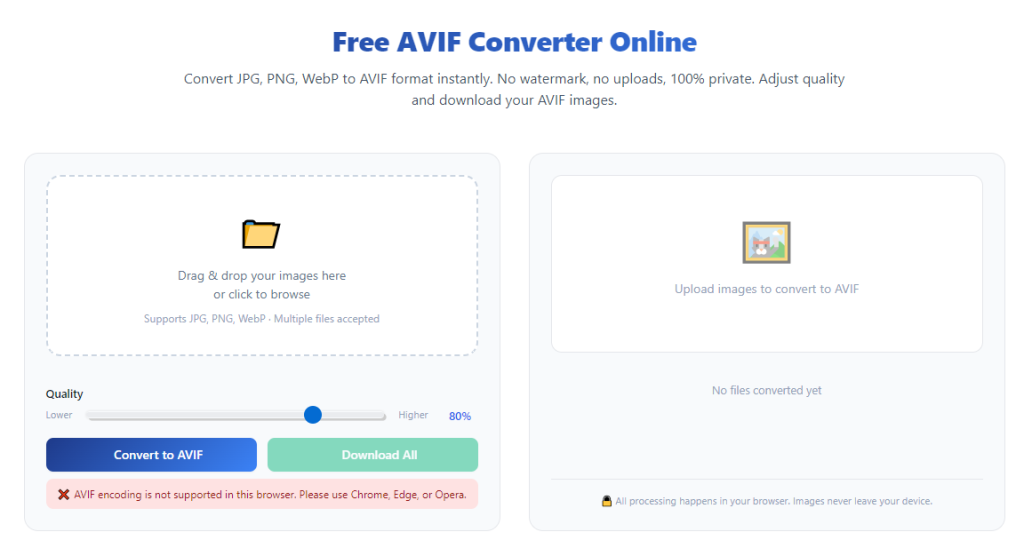
First, open your trusted no-signup AVIF converter in an updated browser. Always use a modern mainstream browser. Outdated browser versions cause failed processing, glitched uploads, and color distortion during conversion.
Second, upload your AVIF files via drag-and-drop or file browser selection. I prefer drag-and-drop for speed, but always double-check you don’t upload duplicate or corrupted files. If you’re doing batch work, select all your AVIF files at once to save time.
Third, choose your ideal output format. Pick JPG for standard photos, social media posts, and web sharing. Select PNG if your images have transparent backgrounds, logos, or graphic layers you need to preserve.
Fourth, adjust your quality settings. For professional photos and important images, max out the quality slider for lossless results. For casual web sharing, lower the quality slightly to shrink file sizes without noticeable visual drop-off.
Fifth, start the conversion process and wait for full completion. Never close the tab mid-processing. I’ve made this silly mistake countless times and had to restart entire batches from scratch.
Sixth, preview every image before downloading. Check for washed colors, pixelation, missing transparency, or glitched edges. If everything looks clean, download single files or your full batch zip folder.
Last, do a quick post-download check. Open your new JPG or PNG file in your photo viewer to confirm it opens smoothly and matches your original AVIF quality.
Common AVIF Conversion Mistakes & Easy Fixes
Even with a premium free tool, small user errors can ruin your outputs. These are the most frequent issues I see, paired with the quick fixes I’ve learned over time.
Blurry converted images usually happen when users leave default low-quality compression settings enabled. Always manually crank up the quality slider for important files instead of relying on generic defaults.
Missing transparency on PNG outputs occurs on basic tools that strip alpha layers automatically. Stick to my recommended tool, which preserves transparent backgrounds natively with no extra steps.
Failed upload errors almost always come from unstable internet or full browser cache. Clear your browser cache or refresh the page, and the issue resolves instantly.
Corrupted downloaded files happen when processing gets interrupted. Always wait for the 100% completion badge before downloading your final images.
Real-World Use Cases for No-Signup AVIF Conversion
You might wonder how often you’ll actually need this tool in daily life. Truthfully, it’s way more often than you think.
Anyone who saves web images regularly deals with AVIF files constantly. Browsers default to this format for fast loading, leaving you with unuploadable files for social media, blogs, and personal storage.
Content creators and bloggers rely on no-signup AVIF converters daily. They need quick, private conversions to standard formats for website uploads without wasting time on account logins or risking data exposure.
Graphic designers use batch conversion features to convert bulk AVIF design exports into usable PNG logo files and portfolio assets. The lossless quality ensures their work stays sharp and professional.
Casual users convert AVIFs to share family photos, save travel pictures, or insert web images into school and work documents. Without a proper converter, these files are completely useless.
Final Thoughts
If you’re tired of signup walls, watermarked images, blurry conversions, and privacy risks, finding what is the best free AVIF converter online without signup completely changes your image workflow.
The top tool I’ve shared checks every box: no registration, zero watermarks, lossless quality options, private browser-side processing, and reliable batch conversion. It’s simple enough for casual users and powerful enough for creative professionals.
You never need to compromise your privacy, waste time creating accounts, or settle for low-quality image outputs again. With this free, trustworthy tool, every AVIF conversion you make will be fast, clean, and hassle-free.
After learning the operation method, click the link below to enter the tool page for immediate use.